Erca on your phone, and on your desk.
The phone app for site visits and the web app for the office. They are one account: sign in to either with a code texted to your mobile, or with your email and password.
Google Play and App Store are on the way. Until then, start on the web app below — your account and everything in it will be there when the phone app lands.
The web app, nothing to install
Every module in a sidebar, tables you can sort and filter, and records that open in a panel over the list. It runs in your browser, so the office computer and your laptop are ready now.
- Sign up in about two minutes: your name, mobile and email, then your agency
- 30 days free with every add-on, no card
- Already have an account? Sign in with your mobile number
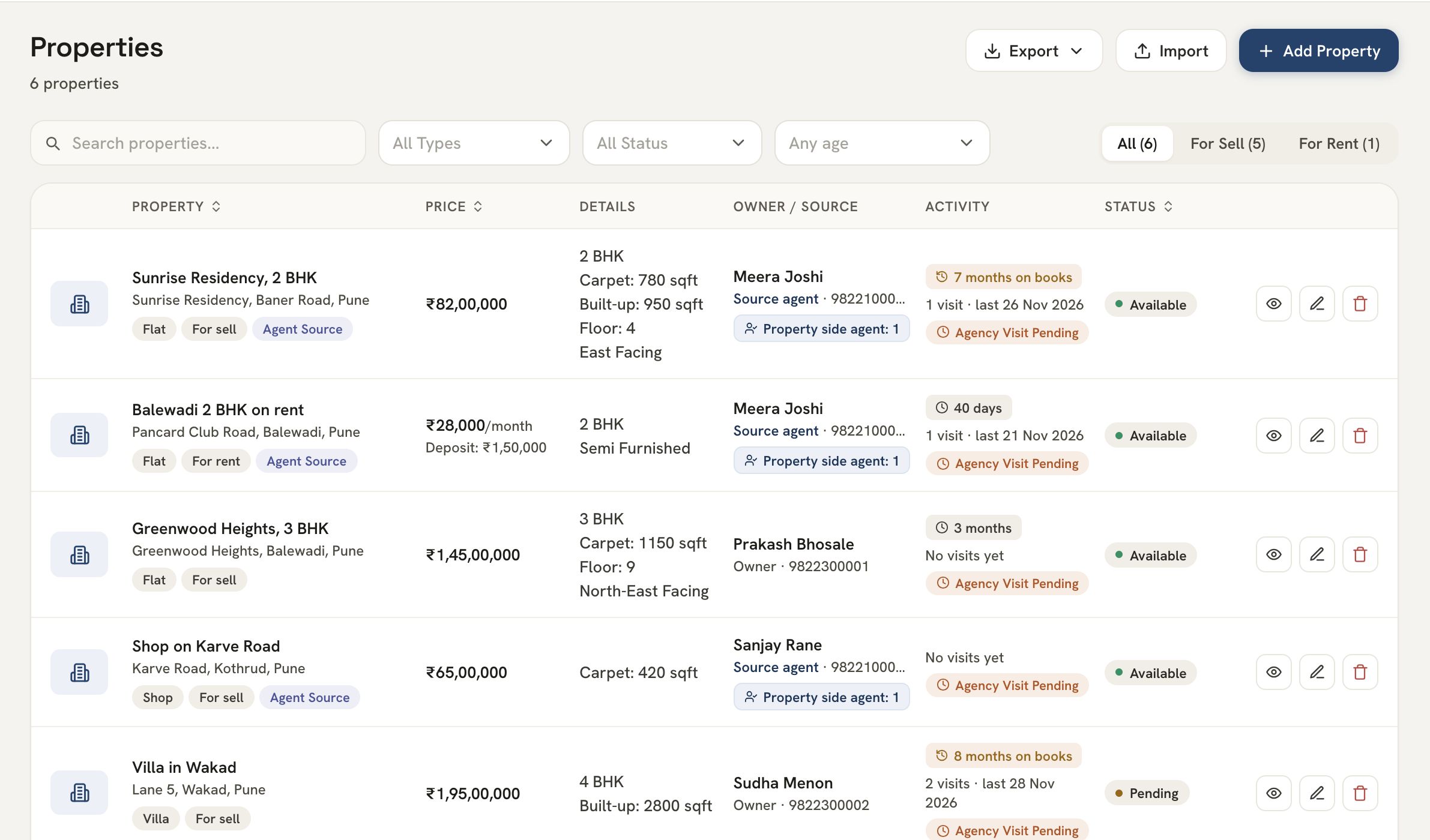
In and working in about ten minutes
No setup call needed, and nobody has to import anything for you.
1. Sign up
Your name, your mobile number and your email. A code comes to the email, you type it back, and you name your agency.
- No card at any point
- No sales call in the way
2. Put in a few real listings
Three or four properties you are actually working on. A demo database tells you nothing.
- Add the client who is interested
- Book the site visit you have this week
3. Add your colleagues
A name and a mobile number each. Tick the screens each of them should see, and that is the whole of it.
- They sign in with their own number
- Nothing to hand out or reset
Built for Indian real estate
Rupees, lakhs and crores, carpet area, RERA numbers, and the way brokerage is split between co-broking agents here. Not a foreign CRM with the currency changed.
Not on the stores yet?
Message us on WhatsApp and we will tell you the day the phone app lands — and get you going on the web app today.
Put your own office on it for a month.
30 days with every add-on switched on, no card and nothing to cancel. Sign up on the web and you are working in minutes; the phone app signs in to the same account.